A book cover mockup with a real spine.
A cloth-bound hardcover with boards, a hinge and page edges. Deboss the title, stamp it in foil, or print the whole cover.
A real object
Boards stand proud of the pages, and the whole book casts a proper shadow.
Cloth you can colour
Eight colours of woven cover cloth.
From above or low
Turn the camera to show the cover, the spine or the page edges.
Start from a finished scene.
 Brand setSoft daylight
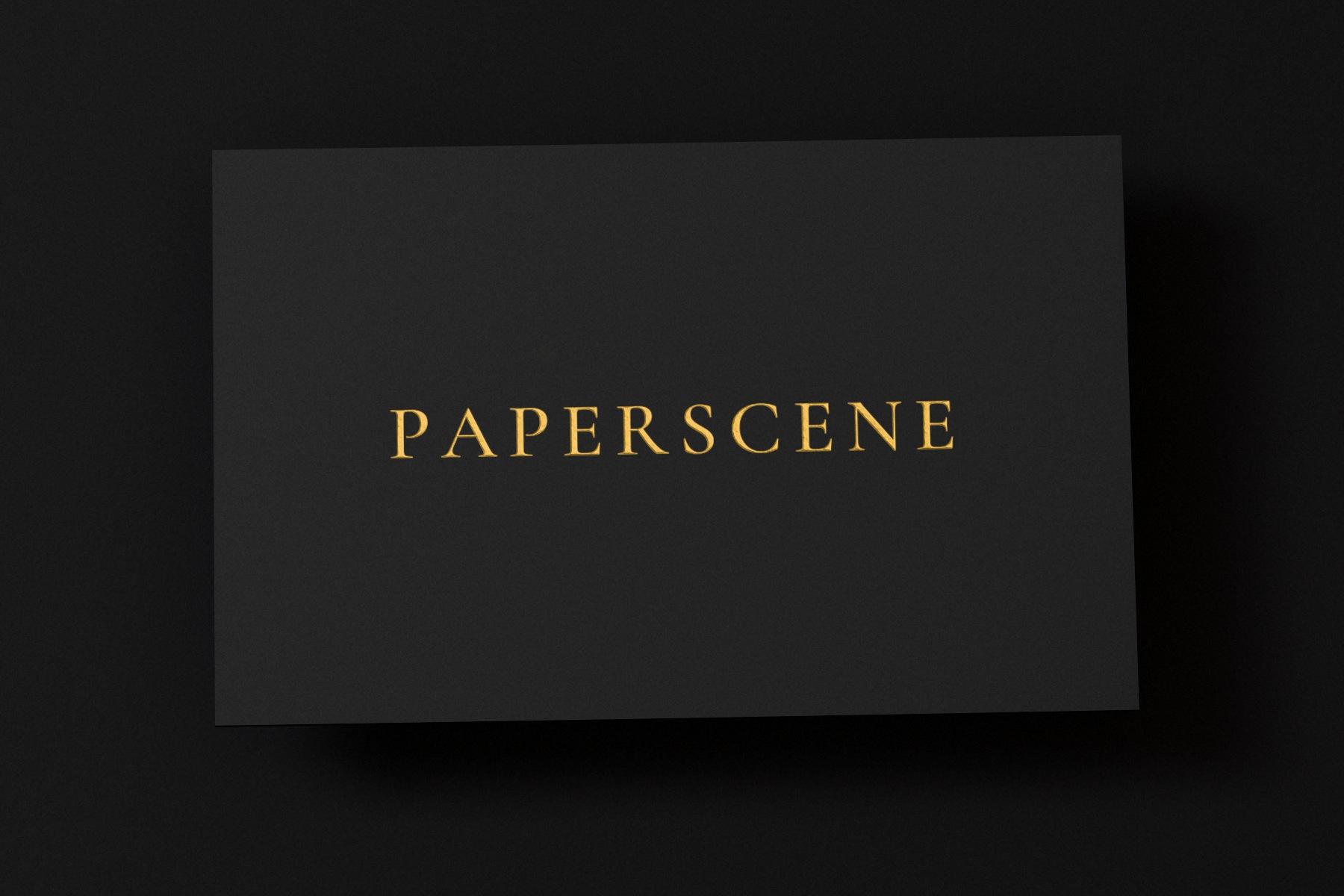 Foil on blackDark editorial
 Business cardsLeaf shade
 Book and magazineWindow light
 Embossed logoWarm sun
 Brand setWindow light
 Square cardsStudio flat
 Flat-laySoft daylight
Each one opens in the studio exactly as shown, ready for your artwork.
Three steps, no software to install.
Drop in your artwork
PNG, JPG, SVG or PDF. A logo lands on every piece at once; a finished design goes on the piece it fits.
Set the scene
Choose the paper and the finish, drag the light, add a leaf or window shadow. What you see is the picture.
Export
Square, portrait, story or widescreen, at the sizes each platform publishes.
Made to look printed, not pasted.
Light that behaves
Shadows soften with distance, embossed letters catch the light, and everything follows when you move the lamp.
Real print finishes
Emboss, deboss, ink, foil, spot varnish and painted edges, on eight paper stocks.
More than cards
Letterheads, envelopes, invitations, magazines and cloth-bound books, arranged however you like.
Your files stay with you
Artwork is rendered on your own device. Nothing you drop in is uploaded.
Free to make. Pro for print-size exports without the tab.
Free
No account needed.
- Every piece, paper, finish and look
- 5 exports a day, 1080 px in any frame
- A small paperscene.app tab on each export
Free account
Sign in with your email.
- 10 exports a day
- Your scenes saved to your account
- Open them on any device
Pro
Coming soon.
- Unlimited exports up to 8K, with no tab
- Foil, spot UV, custom colours and sizes
- The full shadow library